


Most backup systems are designed with a simple goal: make a copy of the data. What they frequently lack is any systematic approach to ensuring that copy is usable when it is needed. The gap between "a backup exists" and "a backup can be successfully restored" is wider than most organisations appreciate — and that gap is usually discovered under the worst possible conditions.
This article sets out the components of a backup strategy that holds up in practice, not just on paper. It is written from the perspective of common failure patterns encountered during backup recovery work, and it focuses on the areas where backup systems most frequently fall short.
Backup Frequency and Scheduling
Backup frequency should be determined by the recovery point objective (RPO) — the maximum amount of data loss that is acceptable in the event of a failure. For a site that publishes new content daily, losing a day's work may be acceptable. For an e-commerce database processing hundreds of transactions an hour, an RPO of one hour may already be too long.
Scheduled backups are the standard approach, but they carry an often-overlooked risk: a schedule that runs without oversight can silently fail for days or weeks without anyone noticing. A cron job that stops running, a disk that fills up, a password that expires — any of these can cause the backup schedule to silently stop producing output. The backup monitoring section below addresses this directly.
For databases that require a tight RPO, consider incremental or continuous backup approaches such as binary log shipping (MySQL) or WAL archiving (PostgreSQL), which allow point-in-time recovery rather than snapshot recovery.
Verification and Test Restores
A backup that has never been tested is an assumption. The only way to know whether a backup will restore successfully is to restore it — in a staging environment, on a regular schedule, and under conditions that approximate a real recovery scenario.
At a minimum, verification should include: confirming that the backup file is not corrupt (checksum verification), confirming that the backup file can be extracted or imported (not just that it opens), and confirming that the extracted content contains the expected data (not just that the process completes without errors).
For databases, a test restore that imports the SQL dump into a temporary database and runs a record count against known-good figures is a straightforward but effective check. For file archives, verifying that critical files are present and readable goes further than simply running the archive's integrity check.
Off-Site and Redundant Storage
A backup stored on the same server as the data it is protecting does not protect against server loss, hosting account termination, or ransomware. Off-site storage is not optional for any backup that is expected to cover catastrophic failure scenarios.
Cloud object storage (S3, Backblaze B2, Wasabi, Cloudflare R2) provides a practical and inexpensive off-site storage destination. Most modern backup plugins and tools support direct upload to these services after each backup run.
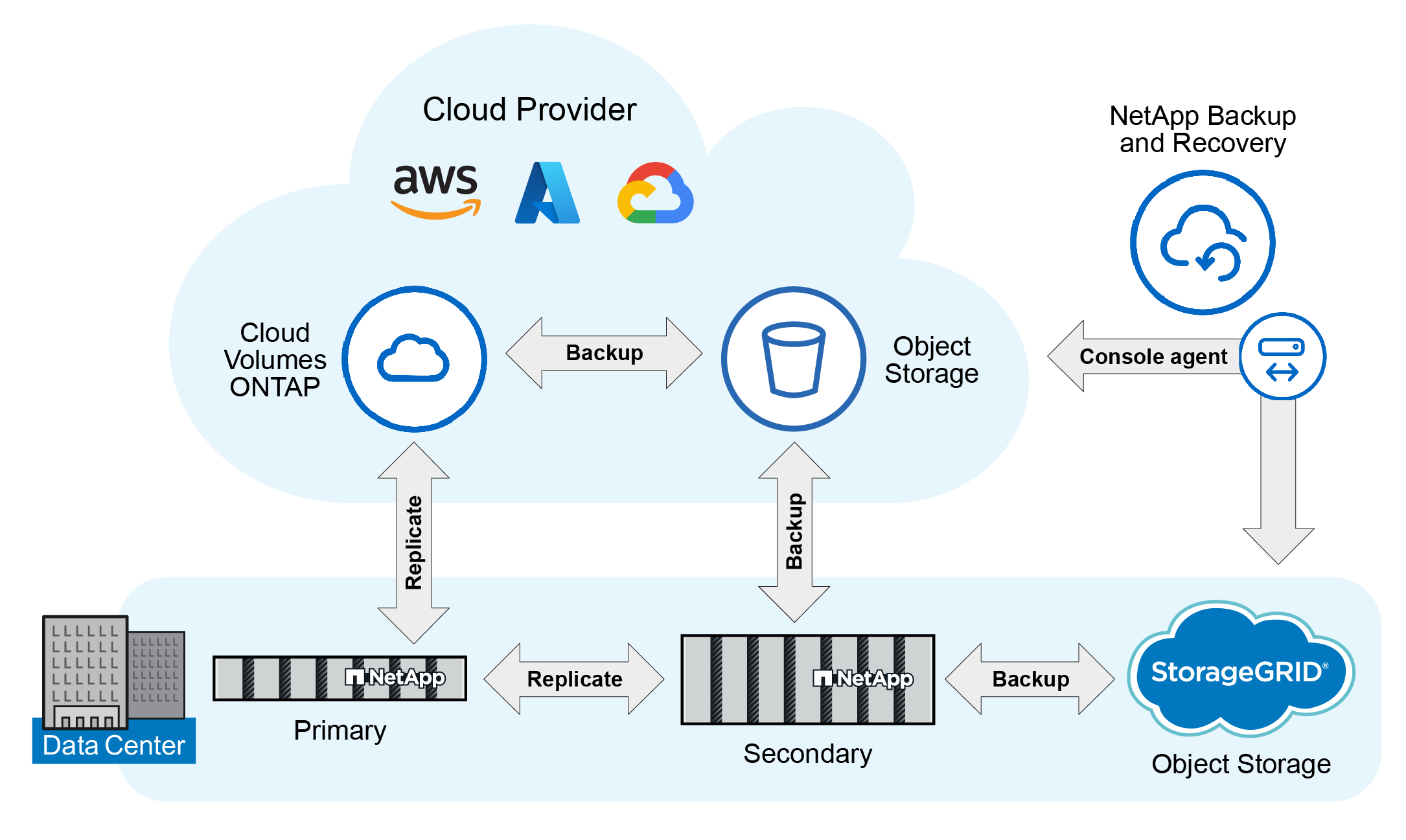
The 3-2-1 rule remains a useful heuristic: three copies of the data, on two different media types, with one copy off-site. For most web hosting contexts, this translates to: the live data, a local backup copy, and a cloud-stored backup copy.
Retention Policies
Retaining only the most recent backup is a common and dangerous practice. If a site is infected with malware, or if content is accidentally deleted, and the only backup is from a few hours ago, the backup will contain the problem rather than a state predating it.
A reasonable retention policy for a typical web application might be: daily backups retained for 14 days, weekly backups retained for 8 weeks, and monthly backups retained for 12 months. The exact policy depends on storage costs and recovery needs, but the principle is that multiple historical restore points should always be available.
Database-Specific Considerations
Databases require particular care to back up consistently. A backup taken of a live, active database that is in the middle of writing transactions may produce an internally inconsistent dump — one that imports without errors but contains data in a logically invalid state.
For MySQL/MariaDB, using --single-transaction with InnoDB tables ensures that the dump is taken from a consistent snapshot without locking the tables during the backup. For MyISAM tables, table locking during backup is unavoidable, so scheduling backups during low-traffic periods is advisable.
For PostgreSQL, pg_dump uses MVCC to produce a consistent snapshot and does not require special options for consistency. However, for very large databases, the time taken to produce the dump should be accounted for in the backup window.
Monitoring and Alerting
Backup monitoring is the component most frequently absent from otherwise reasonable backup strategies. Without it, a backup schedule that stops producing output will go unnoticed until a recovery is attempted.
At a minimum, the backup process should log its completion status, and that log should be checked automatically. Most backup plugins provide email notifications on completion and on failure — these should be directed to an address that is actively monitored, not to a mailbox that is rarely checked.
For more robust monitoring, tools like Healthchecks.io or custom alerting via your infrastructure monitoring platform can be used to verify that backups are completing on schedule. The concept is simple: if no signal is received within the expected window, an alert is triggered.
The cost of implementing basic backup monitoring is low. The cost of discovering that your backups have been silently failing for three months when you need to perform a restore is considerably higher.